IoT alarms as maintenance tickets — a loop that closes itself
· 2× views
An alarm that ends up in a log fixes nothing. MaintenanceDesk turns alarms into maintenance tickets with an owner and a history — automatically, without waiting for someone to notice the fault.
How it works
- A device crosses a threshold — the platform (WorkSys.Space, FacilityUp.Space or CitySys.Space) sends an alarm. Other systems can send alarms too, via the open API.
- A ticket is created automatically — linked to the specific device in your inventory, with priority mapped from alarm severity and a subject like
[ALARM CODE] Device name. The technician immediately sees which unit it is and its history. - Repeated occurrences do not duplicate the ticket — while the ticket is open, further reports of the same alarm are deduplicated. A hundred alarms = one ticket.
- The device reports back to normal → the ticket resolves automatically — with a note of the time and measured value. If a technician intervened in the meantime, their work stays in the ticket history.
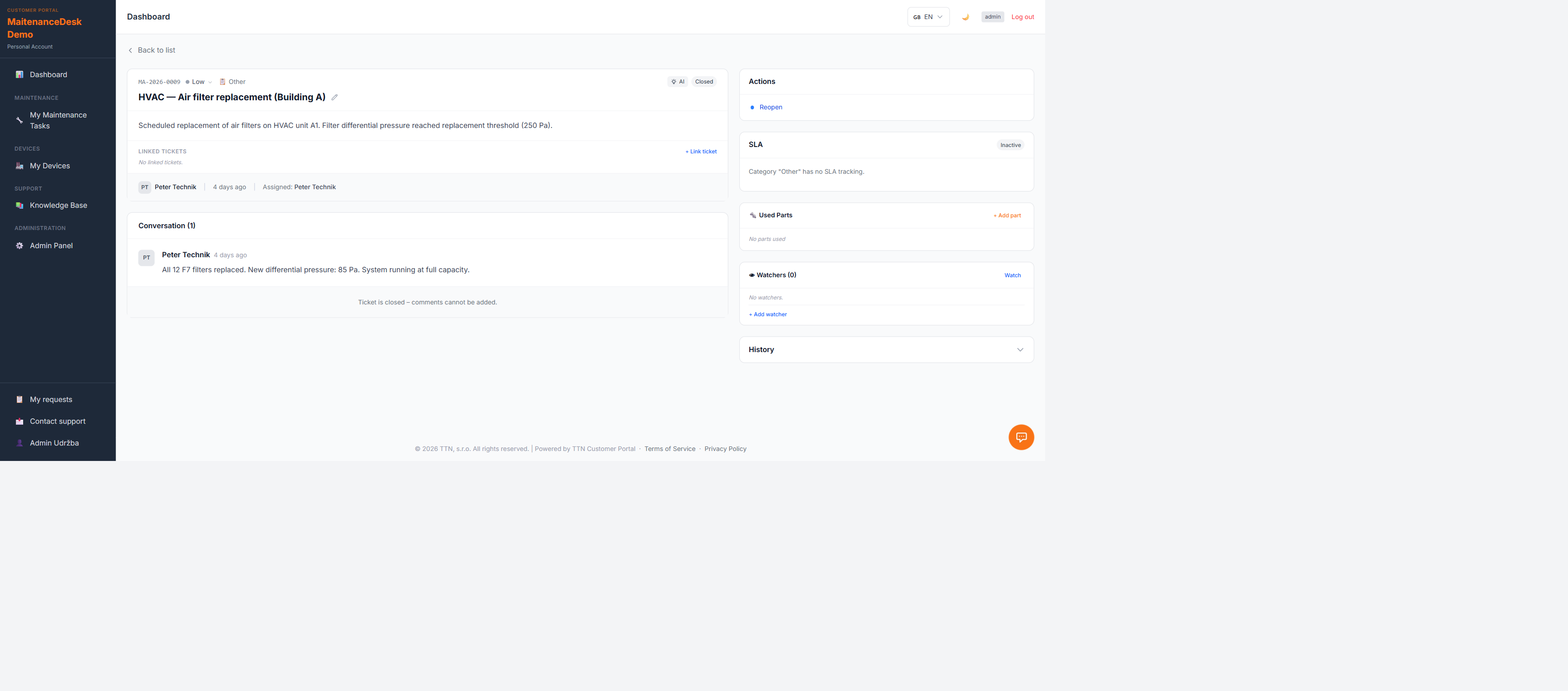
A memory for recurring faults
If the same alarm returns shortly after resolution, the ticket is reopened and a repeat counter increases. A chronically failing device doesn't generate a pile of isolated tickets but one ticket with a growing counter — a clear signal that it's time to consider replacement instead of another repair.
Why it matters
- No alarm falls through — every fault has a task, an owner and a deadline
- Less noise — deduplication keeps order even during an alarm storm
- The loop closes without a human click — both creation and resolution can happen automatically
- Data for decisions — tickets feed a live overview of failure rates and repair times
Want to see it live?
Create a free account — the Free plan needs no credit card, and you can try the open API integration on your own data.
Was this article helpful?