QR fault reporting — scan the code and the fault is reported
· 2× views
The fastest way to report a broken device is standing right next to it. MaintenanceDesk gives every device a QR label — whoever sees the fault scans the code with a phone and reports it in seconds. No login, no hunting for the right form, no explaining which machine it actually is.
How it goes
- Scan the label — the QR code on the device opens a reporting form for that exact device
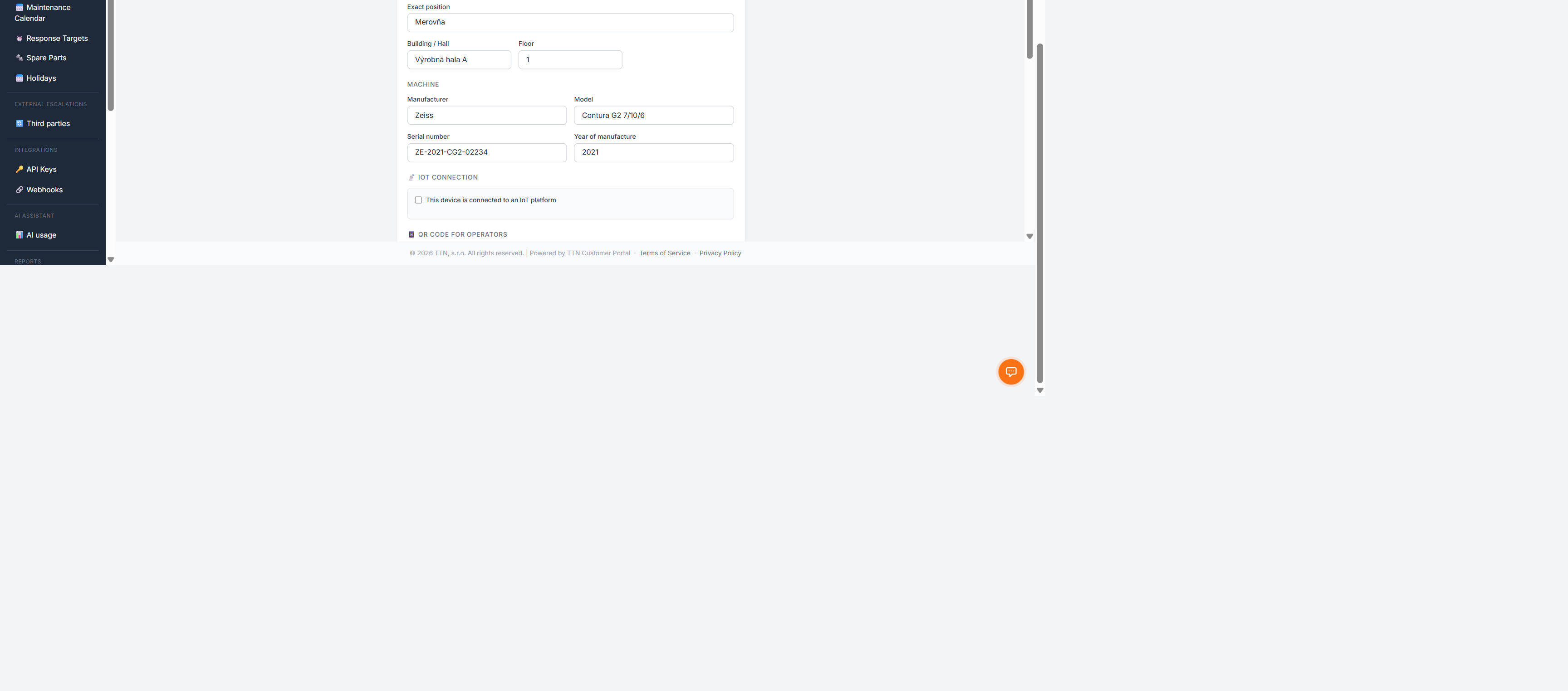
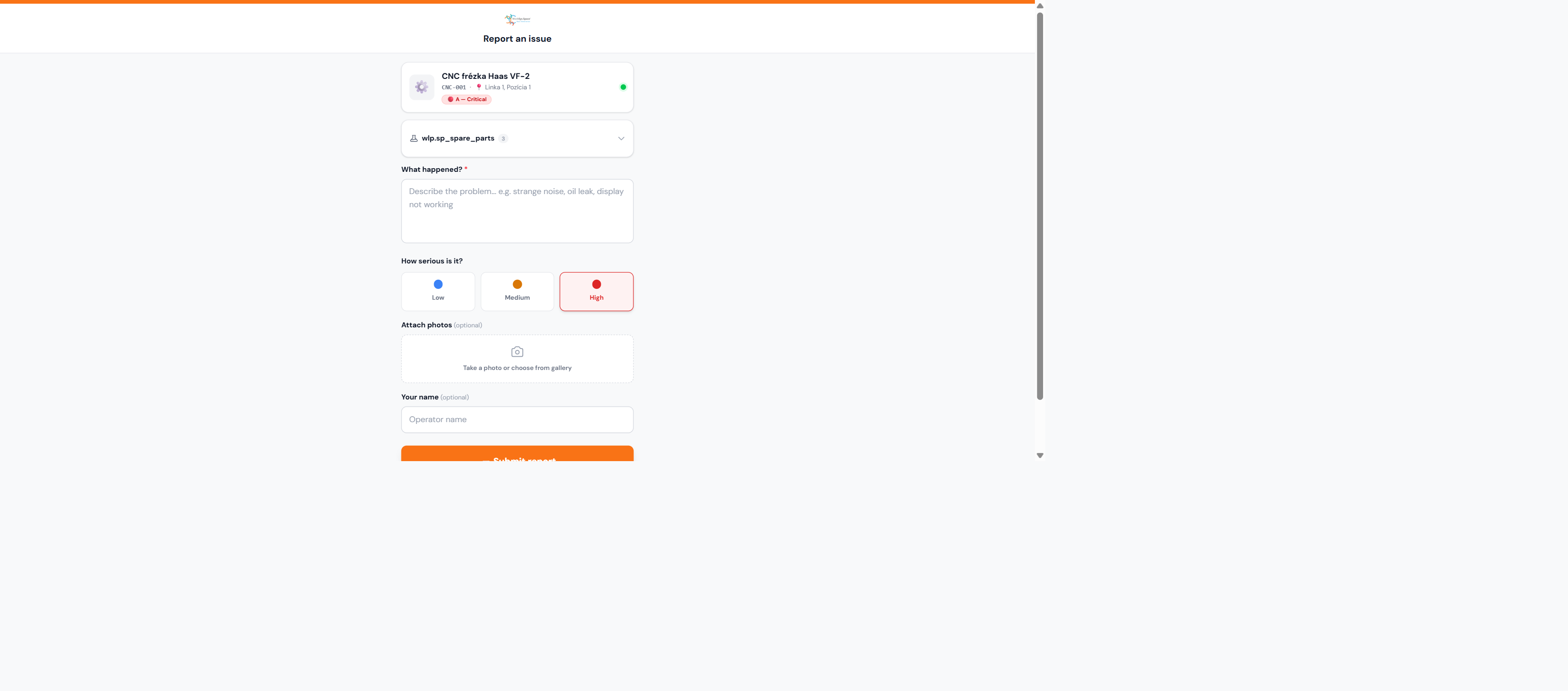
- A short form — describe the fault, optionally leave a contact; the system already knows which device it is, where it stands and who is responsible
- Confirmation — the reporter sees the fault has been registered
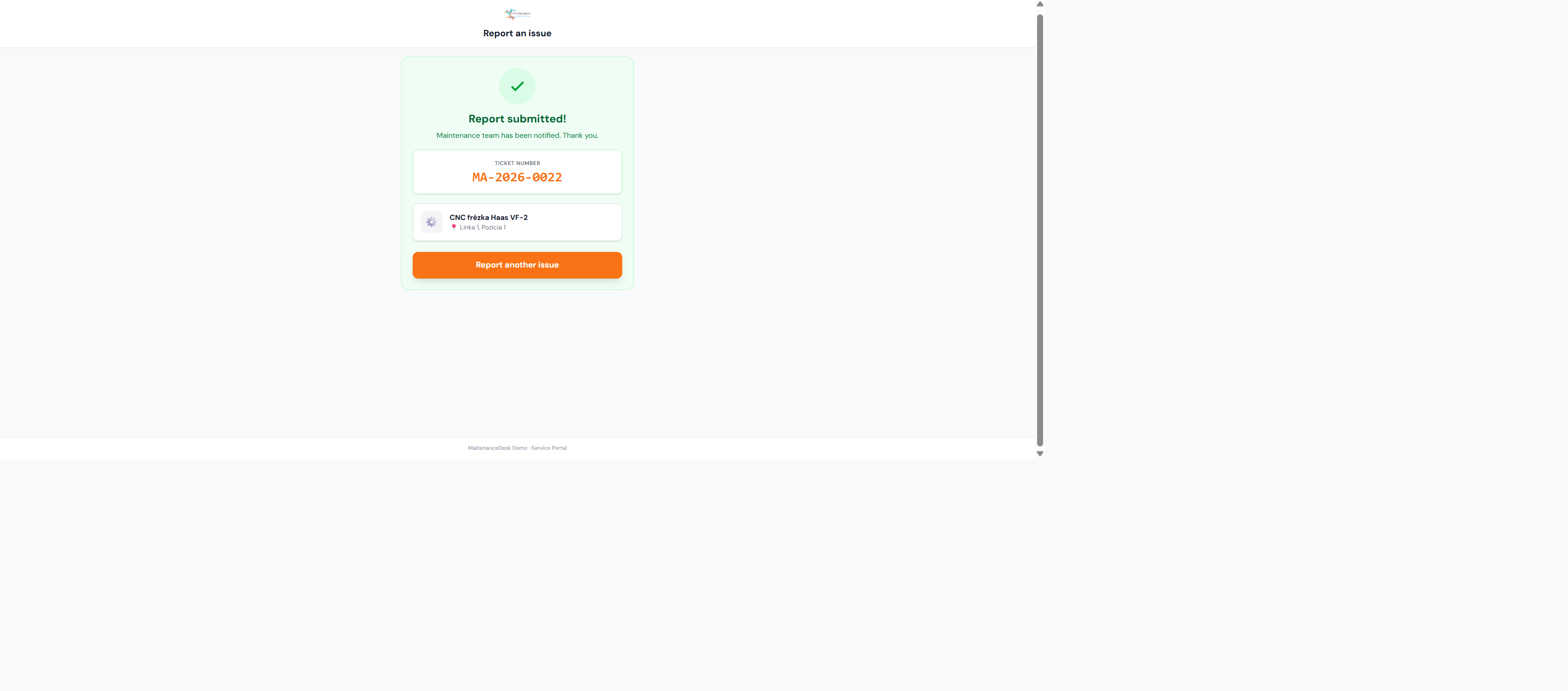
- A ticket in maintenance — the report becomes a ticket linked to the device, joins the maintenance queue and shows up in the device history
Labels without extra work
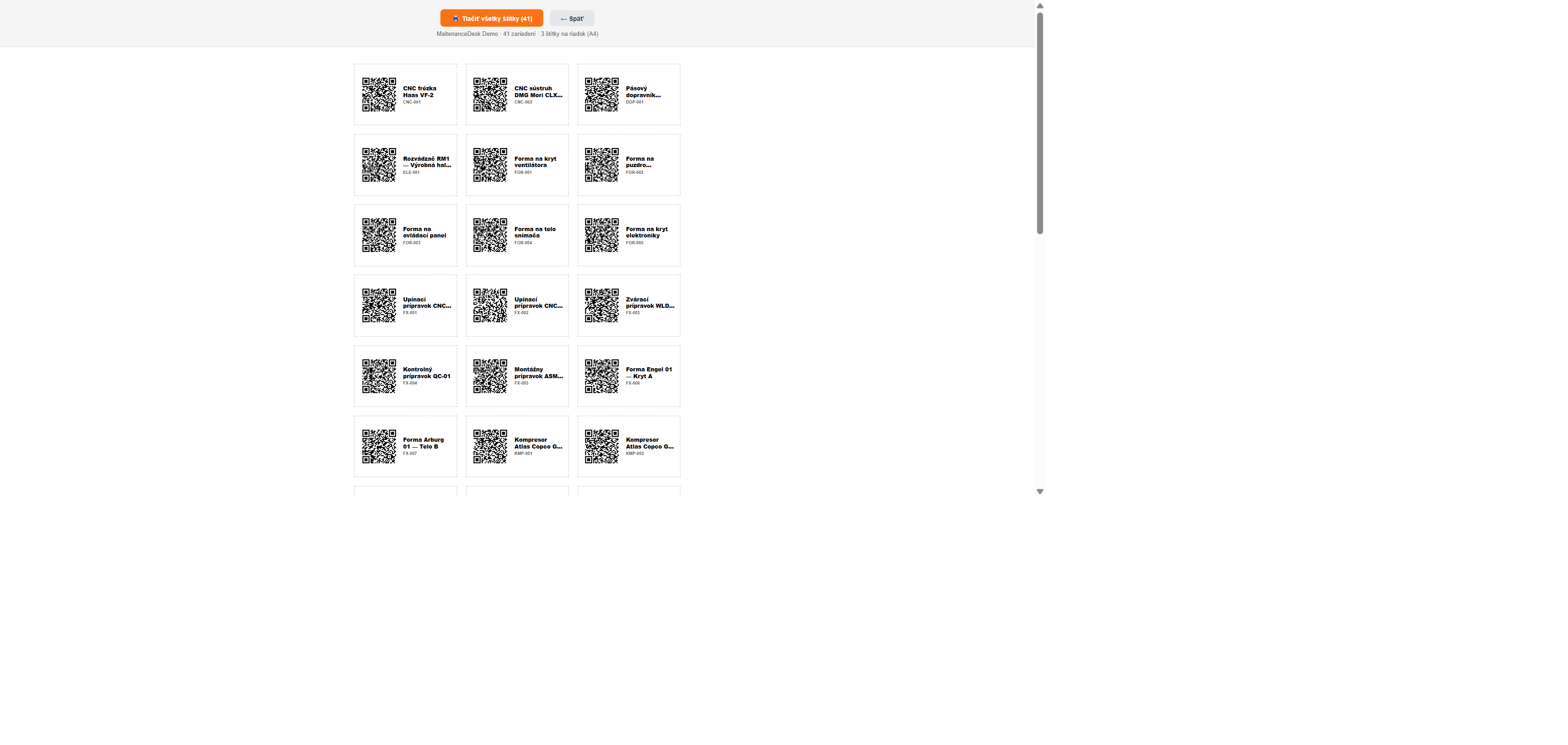
Labels are generated straight from the device inventory — individually or in bulk for a whole facility, print-ready.
Why it works
- Zero barrier — the person who sees the fault reports it, not the person who has system access
- No "which machine?" — the device link comes from the code, not from a description
- Complete history — every report stays with the device, failure rates become measurable
Try it for free
The Free plan includes device inventory and QR codes — create an account without a credit card.
Was this article helpful?