MaintenanceDesk in 30 minutes: from sign-up to the first resolved ticket
Rolling out a maintenance system sounds like a months-long project. Yet the core loop of MaintenanceDesk — a device, a fault report, a maintenance plan — is up and running in half an hour, free, with no credit card.
1. The account (2 minutes)
Sign up on the Free plan — email, password, organisation name. No card, no time limit.
2. The first device (5 minutes)
Add the device you want to try it on: name, location, optionally manufacturer and model. The system creates its service passport and generates a QR label.
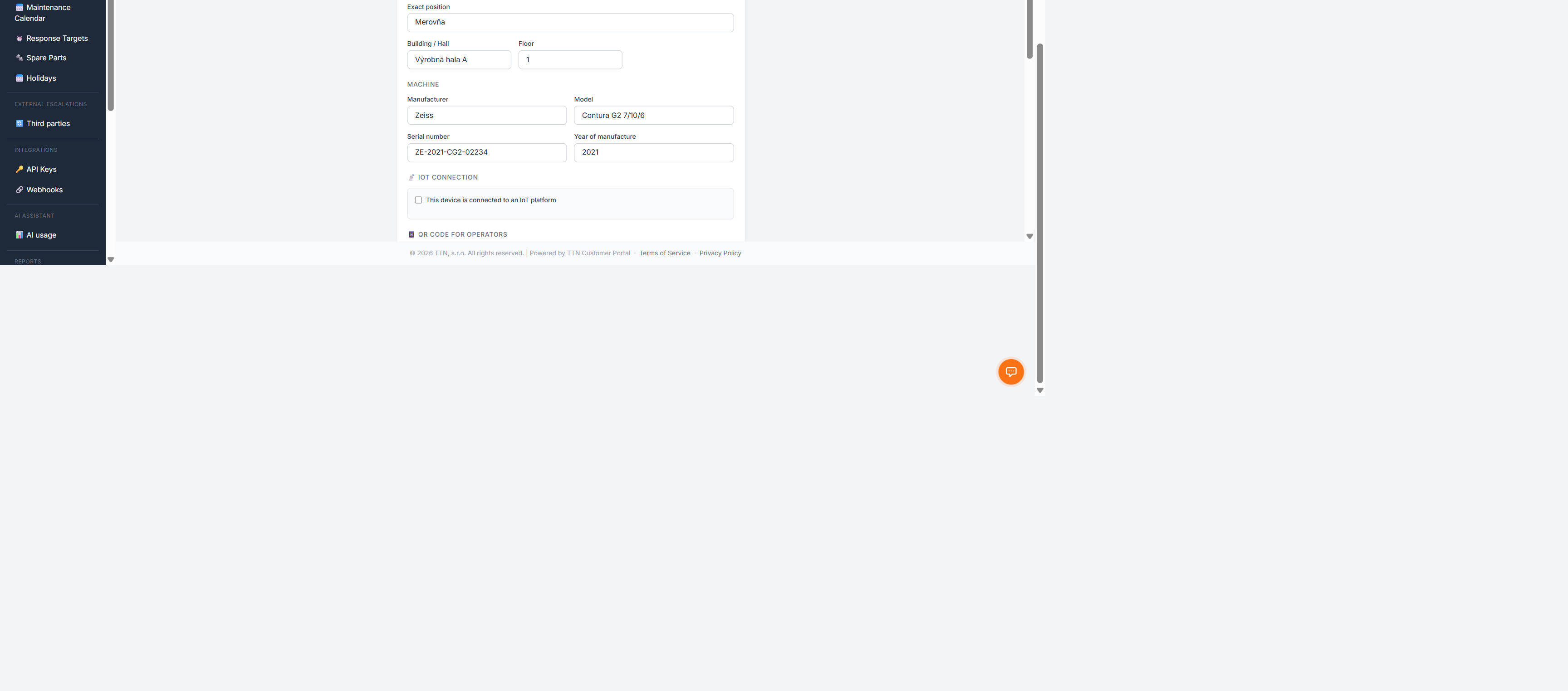
Print the label and stick it on the device — from now on, anyone standing next to it can report a fault.
3. The first maintenance plan (5 minutes)
Pick a task that should repeat — a weekly check, monthly lubrication — and create a plan: device, interval, work description.
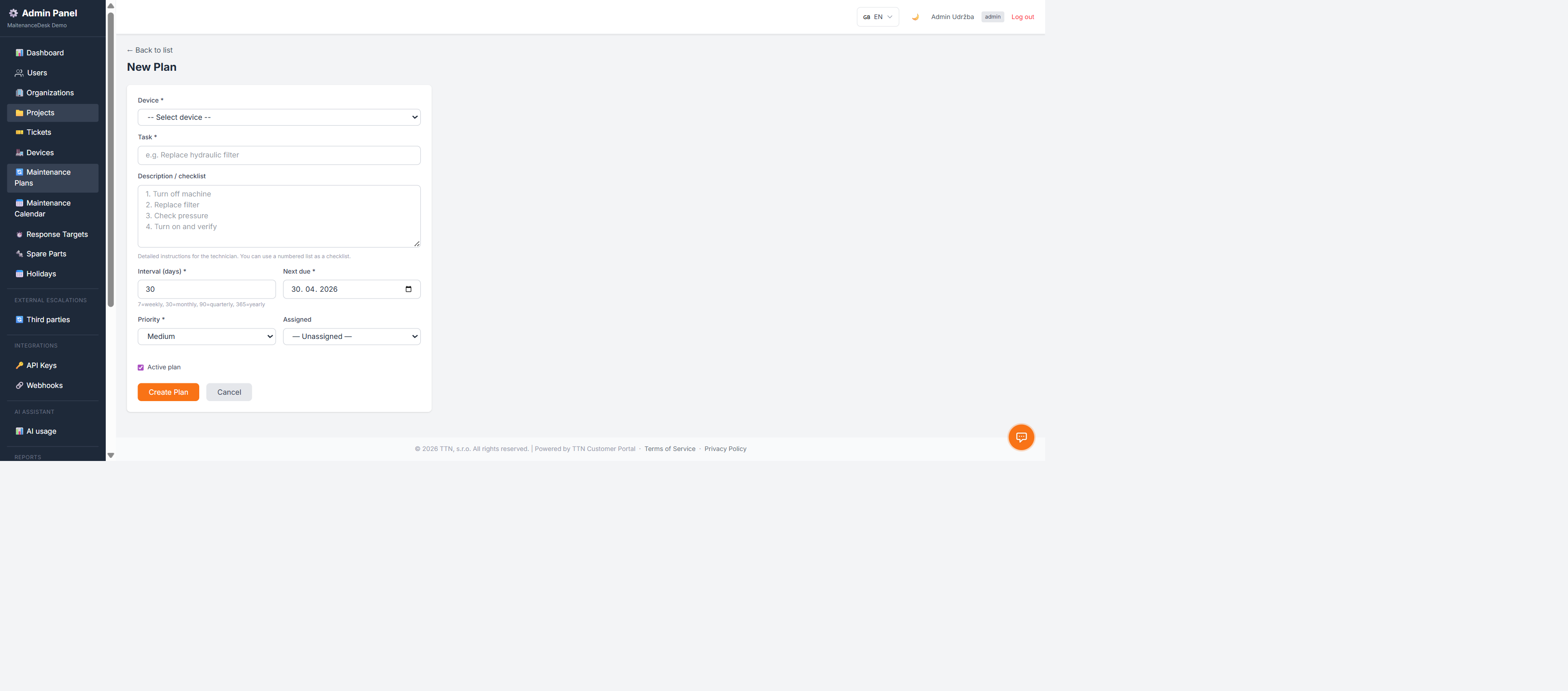
From now on the system generates maintenance tickets by itself and watches the deadlines.
4. The first fault report (2 minutes)
Scan the QR label with your phone and submit a test report.
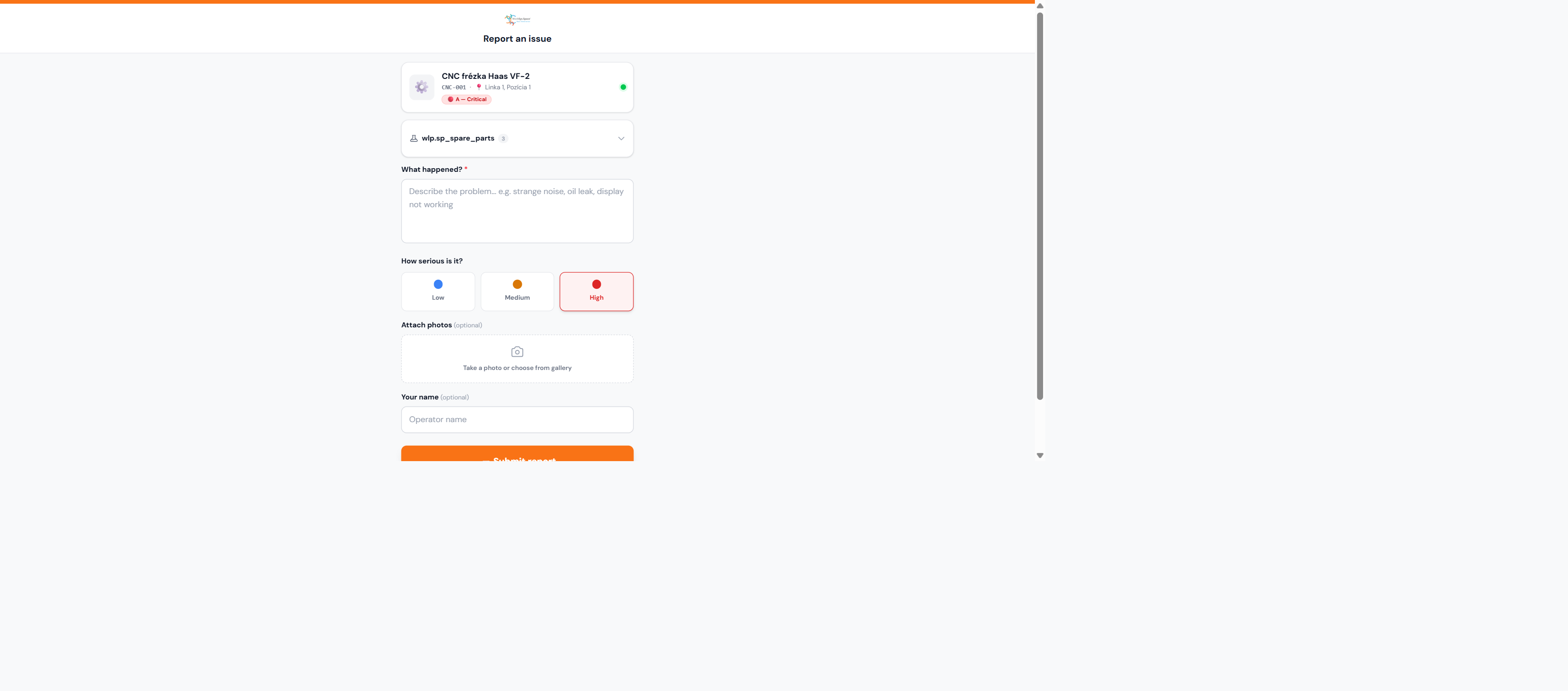
A ticket appears in the system, linked to the device — exactly as if a colleague on the floor had reported it.
5. The first resolved ticket (5 minutes)
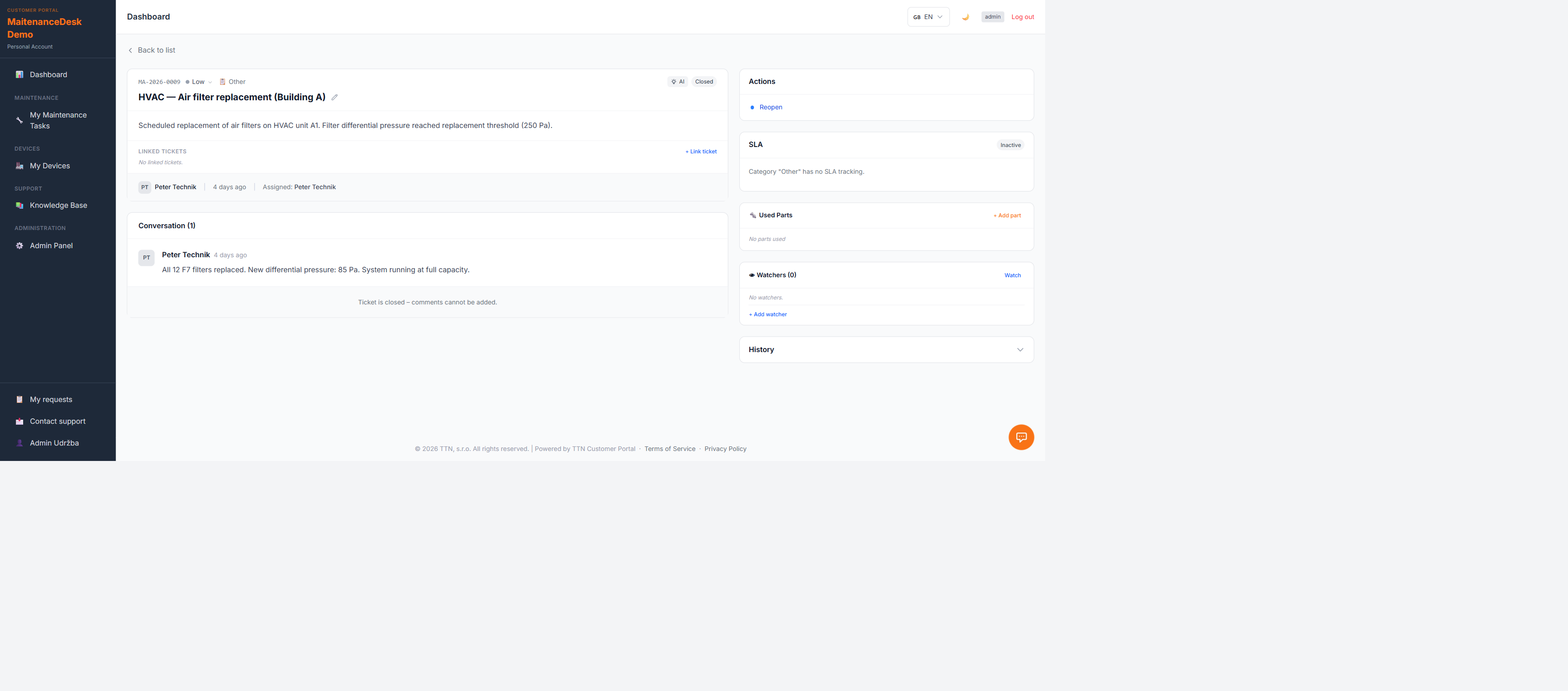
Open the ticket, review it, resolve it. You have just walked the whole loop: report → ticket → resolution → a record in the device history.
Where to go next
- Add the remaining devices — bulk QR label printing speeds it up
- Extend the maintenance plans — the calendar shows the workload distribution
- Connect alarms — with an IoT platform, tickets can also arise from alarms automatically
- Invite the team — technicians get tickets, you get the overview
The Free plan runs the whole time — you start paying only when it stops being enough.